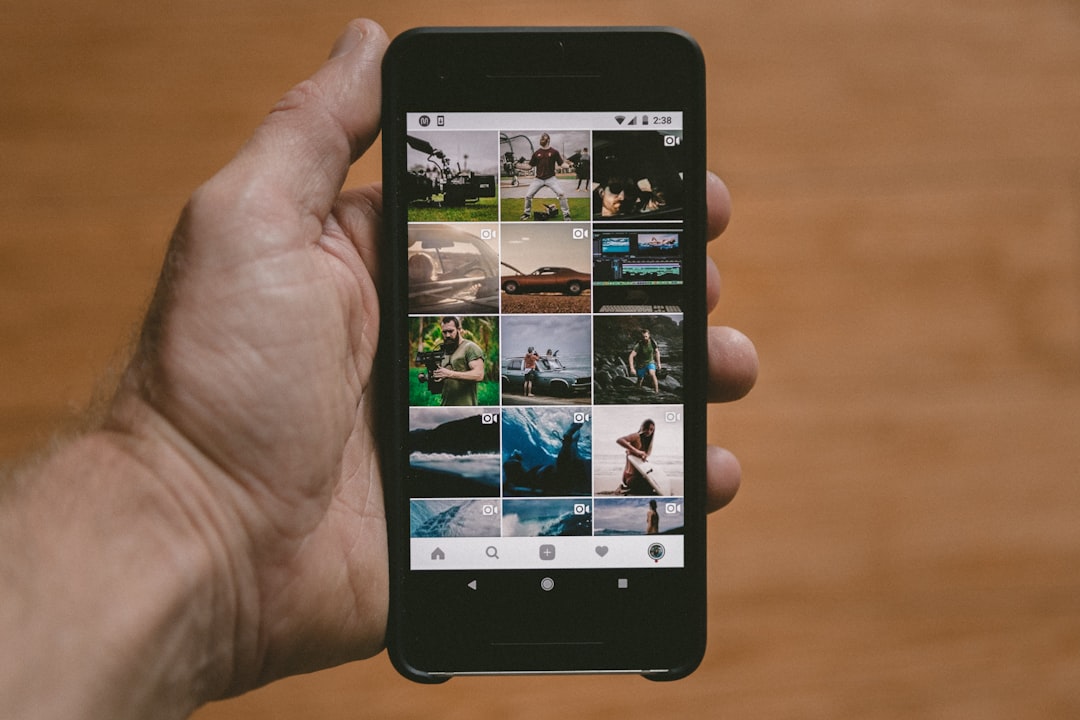
Instagram, with over a billion active users, has become a hub for sharing moments, connecting with friends, and catching up on the latest trends. One of its most loved features is Stories, which allow users to post photos and videos that disappear after 24 hours. However, as Stories are intended to be more ephemeral and less permanent than regular posts, users often wonder: Does Instagram notify if someone screenshots your Story? It’s a valid concern, especially in a digital age where privacy boundaries seem to blur.
TL;DR
Instagram does not currently notify users if someone screenshots their Story. While there was a brief period in 2018 when this feature was being tested, it was ultimately shelved. However, Instagram does notify users when someone screenshots a disappearing photo or video sent via Direct Message. So, for Stories, the answer is a clear no — at least for now.
How Instagram Stories Work
Instagram Stories are designed to be temporary. They appear for 24 hours and then vanish, unless saved to a highlight. Users love Stories because they provide a more casual and spontaneous way to share their lives compared to curated posts. As their popularity grows, so do concerns about privacy and content misuse, especially when it comes to screenshots.
Instagram’s Screenshot Policy: A History
Back in 2018, Instagram introduced a short-lived feature that allowed users to see who took screenshots of their Stories. During this testing phase, a star-shaped icon would appear next to the name of someone who had screenshotted a Story.
This feature was quietly discontinued, presumably because it wasn’t well received. Since then, Instagram has not re-implemented Story screenshot notifications, much to the relief of some users and the dismay of others concerned about digital boundaries.
What Instagram Does Notify
While Stories remain free from screenshot alerts, it’s important to understand the situations in which Instagram does notify users:
- Disappearing Photos/Videos in Direct Messages: If someone sends a disappearing photo or video using Instagram Direct and the recipient screenshots it, the sender is notified immediately.
- Instagram Vanish Mode: When using Vanish Mode, which makes messages disappear after viewing, Instagram also notifies users if a screenshot is taken.
This reinforcing of privacy in Direct Messaging contrasts with the open nature of Stories, where screenshotting is currently unchecked by default.
Why Doesn’t Instagram Notify for Story Screenshots?
The decision not to notify users when someone takes a screenshot of their Story could stem from several factors:
- User Experience: Including screenshot notifications might clutter the interface or make users overly concerned.
- Performance and Reliability: Detecting every screenshot action reliably across various operating systems and devices is not always foolproof.
- Privacy Presumptions: Instagram may consider Stories as semi-public, even though they disappear after 24 hours. So they may not warrant the same level of privacy as one-on-one messages.
Ultimately, the platform seems to take a balanced approach, opting not to restrict audience behavior too heavily while offering tools like Close Friends lists and privacy settings.

How to Protect Yourself from Unauthorized Screenshots
If you’re uneasy about people capturing your Stories without your permission, there are a few proactive steps you can take:
- Use the Close Friends Feature: This lets you share your Stories with a select group of people instead of all your followers.
- Limit Who Can See Your Story: Under your Story settings, you can hide Stories from specific followers or only share with select users.
- Monitor Your Audience: Regularly check who’s viewing your Stories. If someone seems suspicious or unknown, consider removing or blocking them.
- Watermark Sensitive Content: For added protection, you can watermark your images or share less identifying information through Stories.
No system can guarantee 100% protection against screenshotting, but restricting your audience goes a long way in maintaining privacy.
Third-Party Workarounds and Risks
Some users attempt to find third-party apps or browser tricks to detect screenshots. However, these are generally ineffective or even dangerous. Instagram doesn’t provide APIs or backend access for screenshot detection — any app that claims to offer this may compromise your account security.
It’s essential to be cautious about sharing login credentials with unauthorized tools. At best, they won’t deliver what they promise; at worst, they might lead to account hacking or personal data leaks.
Could Instagram Reintroduce Screenshot Alerts?
Given Instagram’s evolving features and growing focus on user safety, there’s always a possibility that screenshot notifications for Stories may return in a future update. However, for now, there have been no confirmed reports or announcements indicating such a move.
Until then, the responsibility falls upon users to manage their content and privacy settings proactively.
Conclusion
As it stands today, Instagram will not alert you if someone screenshots your Story. While some may appreciate the freedom this provides, others are rightly concerned about their digital privacy. Whether or not the platform decides to reintroduce this feature in the future remains to be seen. In the meantime, users should utilize Instagram’s available privacy tools to maintain some control over their content and who sees it.
Frequently Asked Questions (FAQs)
Does Instagram notify when someone screenshots my Story?
No, Instagram does not currently notify users if someone takes a screenshot of their Story.
Was there ever a time when Instagram did notify Story screenshots?
Yes, Instagram tested this feature briefly in 2018, but it was discontinued shortly afterward.
Are there any parts of Instagram that do notify screenshots?
Yes. Disappearing photos and videos shared via Direct Message, or messages in Vanish Mode, will trigger a screenshot alert.
Can I use third-party apps to detect who screenshots my Story?
It is not recommended. Most third-party apps are unreliable and could compromise your account or personal data.
How can I prevent people from taking screenshots of my Story?
While you can’t stop screenshots outright, you can limit who sees your Stories using Instagram’s privacy settings or by posting to your Close Friends list only.