Modern users expect websites to load instantly and run flawlessly across devices. Yet as frontend applications become more dynamic and complex, performance issues can quietly creep in—hurting user experience, search rankings, and revenue. That’s where JavaScript performance monitoring tools step in. While New Relic is a well-known solution, there are several powerful alternatives that help teams detect bottlenecks, analyze real user data, and optimize frontend speed with precision.
TL;DR: If you want to optimize frontend speed beyond traditional debugging tools, JavaScript performance monitoring platforms are essential. Tools like Datadog RUM, Dynatrace, AppDynamics, Raygun, and Sentry Performance provide deep visibility into real user behavior, page load metrics, and JavaScript errors. Many offer real-user monitoring (RUM), synthetic testing, and detailed waterfall charts. Choosing the right one depends on your app size, budget, and observability needs.
Why Frontend Performance Monitoring Matters
Frontend performance directly impacts critical metrics such as Core Web Vitals, bounce rate, user engagement, and conversion rates. Even a one-second delay in load time can significantly reduce user satisfaction and sales.
Unlike traditional backend monitoring, frontend performance tools focus on:
- Page load times (including First Contentful Paint and Largest Contentful Paint)
- JavaScript execution delays
- Error rates and stack traces
- API latency from the client perspective
- Real user behavior and device breakdowns
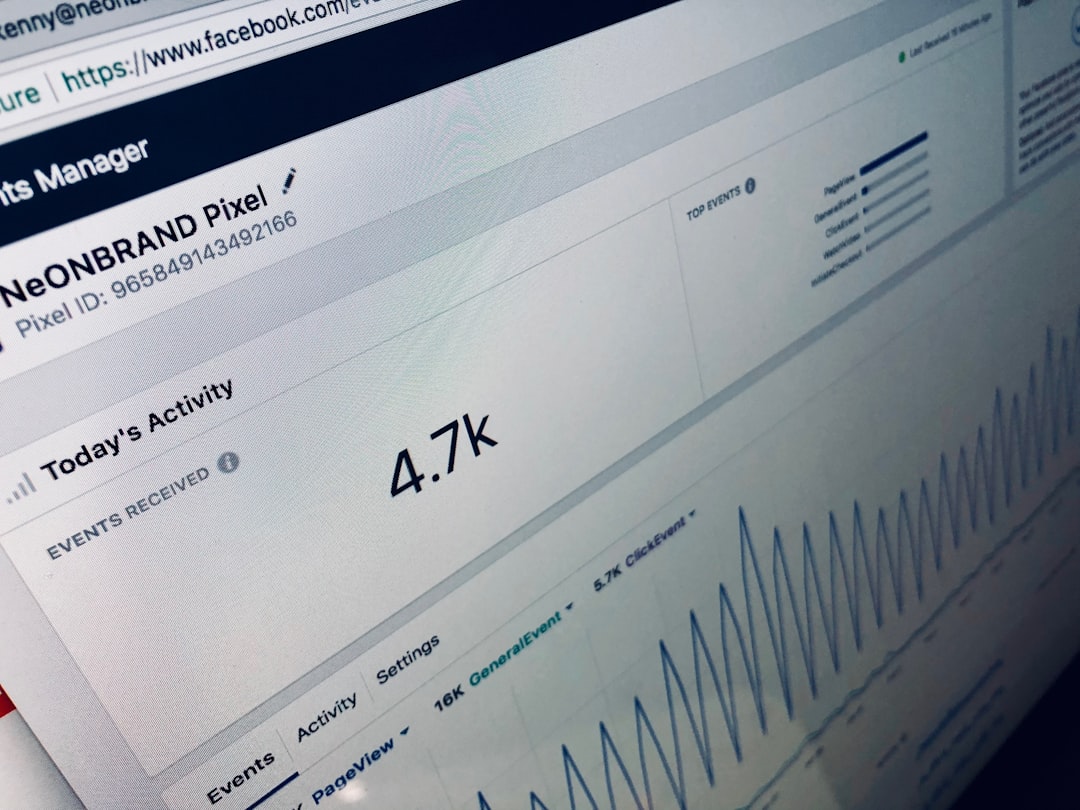
With the rise of single-page applications (SPAs) built using React, Angular, and Vue, traditional monitoring isn’t enough. Advanced tools provide real-time telemetry so teams can identify slow components, memory leaks, and rendering bottlenecks before they affect thousands of users.
1. Datadog Real User Monitoring (RUM)
Best for: Teams wanting full-stack observability with powerful frontend insights.
Datadog RUM offers deep visibility into user sessions, performance metrics, and JavaScript errors. It captures real user interactions, giving teams session replays and performance breakdowns across browsers and devices.
Key Features
- Real-time performance metrics
- Session replay with user journey tracking
- Error tracking with stack traces
- Correlation between frontend and backend performance
- Custom dashboards and alerts
One standout feature is its ability to connect frontend slowdowns with backend bottlenecks. For example, if a slow API call is affecting page rendering, Datadog clearly maps the relationship.
Pros:
- Comprehensive observability platform
- Scalability for enterprise teams
- Excellent visualization tools
Cons:
- Can become costly for large traffic volumes
- Learning curve for new users
2. Dynatrace
Best for: AI-powered performance insights and automation.
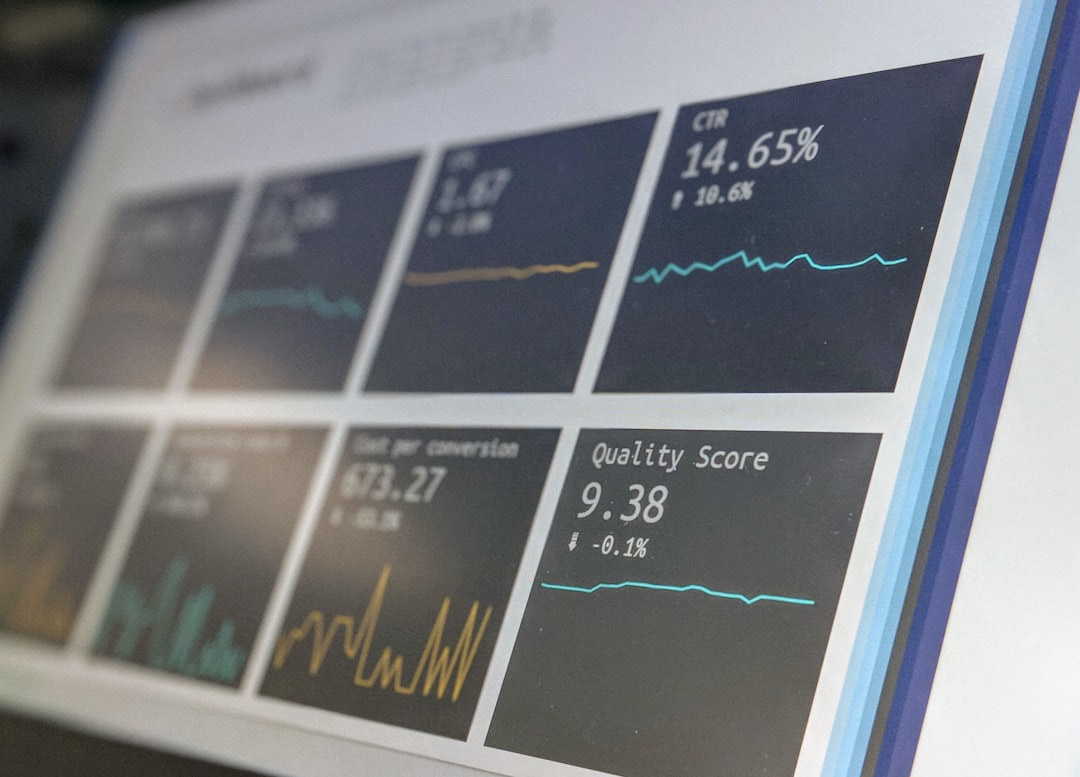
Dynatrace combines frontend performance data with its Davis AI engine to automatically identify anomalies and root causes. Instead of just showing metrics, Dynatrace explains why performance issues occur.
Key Features
- AI-driven anomaly detection
- Real user monitoring with deep drill-down
- Automatic root cause analysis
- Support for complex microservices environments
This is particularly useful for large-scale applications where multiple services interact. If your React frontend slows down due to a microservice failure, Dynatrace highlights the connection instantly.
Pros:
- Powerful AI insights
- Minimal manual configuration
- Enterprise-grade scalability
Cons:
- Premium pricing
- May be overkill for small teams
3. AppDynamics (Cisco AppDynamics)
Best for: Business-focused performance monitoring.
AppDynamics goes beyond technical metrics by aligning performance data with business transactions. This means you can measure how a slow checkout page impacts revenue in real time.
Key Features
- End-user monitoring (EUM)
- Business transaction tracking
- Detailed browser performance breakdown
- Performance baselines and anomaly detection
AppDynamics shines in organizations where frontend performance needs to be tied directly to KPIs.
Pros:
- Strong business visibility
- Reliable performance baselines
- Integrates well with enterprise systems
Cons:
- Complex setup
- Higher cost tier
4. Raygun
Best for: Small to mid-sized teams focused on error and crash reporting.
Raygun combines crash reporting, real user monitoring, and performance monitoring into one developer-friendly platform. It’s particularly strong at highlighting broken user experiences caused by JavaScript errors.
Key Features
- Real user monitoring with Core Web Vitals tracking
- Error grouping and detailed stack traces
- Deployment tracking
- Session diagnostics
If performance issues start appearing after a deployment, Raygun helps teams quickly identify and roll back problematic releases.
Pros:
- Affordable compared to enterprise platforms
- User-friendly UI
- Great error diagnostics
Cons:
- Less extensive full-stack observability
- Limited AI-driven insights
5. Sentry Performance
Best for: Developers who want tightly integrated error and performance tracking.
Sentry started as an error-tracking tool, but its Performance Monitoring module now provides distributed tracing and transaction monitoring for frontend applications.
Key Features
- Transaction tracing
- Frontend error linking
- Performance spans for API calls
- Integration with popular JavaScript frameworks
Sentry excels at tying performance slowdowns directly to the code-level issues causing them. Developers can inspect which component, API call, or function led to delays.
Pros:
- Developer-focused interface
- Easy integration with React, Vue, Angular
- Strong open-source roots
Cons:
- Not as feature-rich as full observability suites
- Advanced features may require higher-tier plans
Comparison Chart
| Tool | Best For | Real User Monitoring | AI Insights | Error Tracking | Enterprise Scalability |
|---|---|---|---|---|---|
| Datadog RUM | Full-stack observability | Yes | Moderate | Yes | High |
| Dynatrace | AI-driven monitoring | Yes | Advanced | Yes | Very High |
| AppDynamics | Business transaction tracking | Yes | Moderate | Yes | High |
| Raygun | SMBs and developer teams | Yes | Basic | Strong | Medium |
| Sentry Performance | Developer-focused tracing | Limited | Basic | Strong | Medium |
How to Choose the Right Tool
When selecting a JavaScript performance monitoring solution, consider the following:
- Application complexity: Microservices and distributed systems benefit from AI-driven tools like Dynatrace.
- Team size: Smaller teams may prefer Raygun or Sentry for simplicity.
- Budget: Enterprise-level observability often comes at a premium cost.
- Integration needs: Ensure compatibility with your frontend framework and CI/CD pipeline.
- Performance goals: Decide whether you’re focused on error reduction, Core Web Vitals optimization, or full-stack visibility.
The key is not just collecting data—but acting on it. Monitoring tools should empower teams to prioritize fixes based on user impact, not just technical severity.
Final Thoughts
Optimizing frontend speed is no longer optional. With competition only a click away, every millisecond counts. While New Relic remains a powerful player, tools like Datadog, Dynatrace, AppDynamics, Raygun, and Sentry Performance provide compelling alternatives tailored to different team sizes and technical needs.
Whether you’re running a global e-commerce platform or a growing SaaS application, investing in the right JavaScript performance monitoring tool can dramatically improve user satisfaction, boost conversions, and ensure your frontend experience remains fast, reliable, and competitive.
In the end, performance monitoring isn’t just about dashboards—it’s about delivering seamless digital experiences that users love.