Mini computers have rapidly evolved from niche devices into powerful, versatile systems capable of replacing traditional desktops for many users. As their popularity grows, one of the most common questions buyers ask is whether mini computers come with Windows 11 and what other software is included. The answer depends on the manufacturer, price point, and configuration chosen.
TLDR: Many mini computers come preinstalled with Windows 11, especially models from well-known brands. However, some budget models may ship with Windows 10, Linux, or no operating system at all. The included software varies and typically ranges from basic drivers and utilities to trial versions of productivity tools. Buyers should always verify the operating system and software package before purchasing.
Understanding What a Mini Computer Is
A mini computer is a compact desktop system designed to offer the functionality of a full-sized PC in a much smaller form factor. Despite their small size, modern mini PCs can perform everyday computing tasks such as browsing, streaming, office work, and even light gaming or content creation.
They are commonly used for:
- Home offices
- Educational environments
- Media centers
- Business workstations
- Digital signage systems
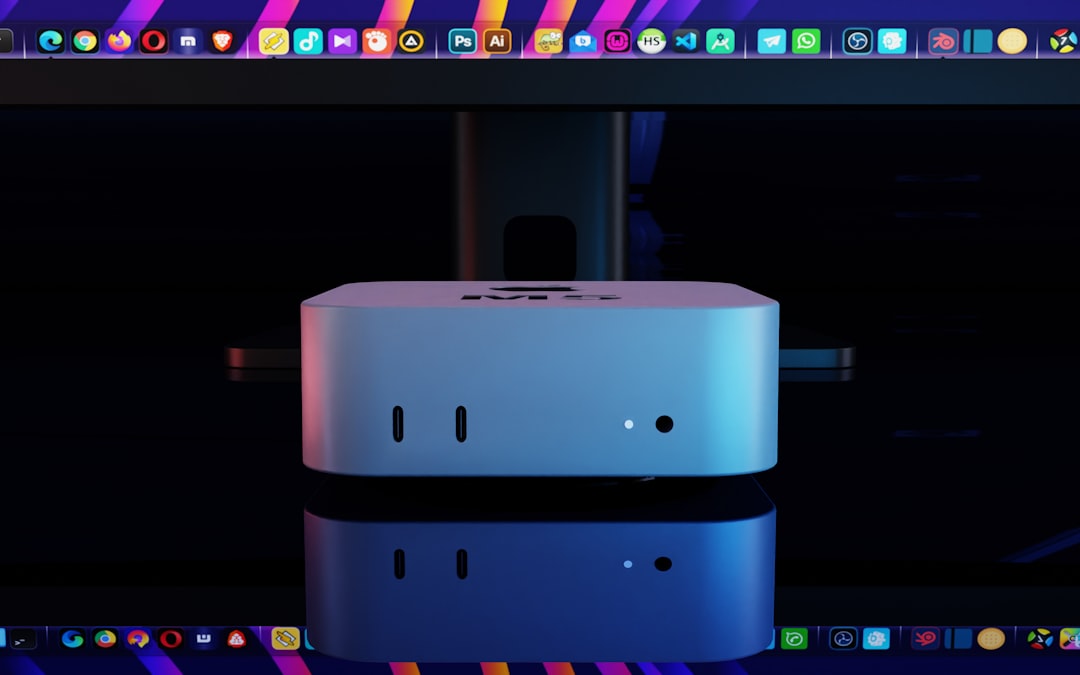
Do Mini Computers Come with Windows 11?
The short answer is: many do, but not all. Whether a mini PC includes Windows 11 depends primarily on the brand and price tier.
1. Brand-Name Mini PCs
Established manufacturers such as Intel, ASUS, HP, Dell, and Lenovo typically offer mini computers with Windows 11 preinstalled. Most new systems ship with Windows 11 Home, while business-oriented devices may include Windows 11 Pro.
Advantages of buying a Windows 11 preinstalled mini PC include:
- No need to purchase a separate license
- Immediate setup and use
- Properly installed drivers
- Official support from the manufacturer
2. Budget or Generic Mini PCs
Some lower-cost mini computers, especially those from lesser-known brands, may:
- Come with Windows 11 Home (OEM version)
- Ship with Windows 10 instead
- Include a trial or unactivated version of Windows
- Arrive with no operating system at all
In some cases, online listings may state “Windows 11 compatible” rather than “Windows 11 installed,” which means the system meets requirements but does not include a license.
3. Linux-Based Mini PCs
Several mini PCs are sold with Linux distributions such as Ubuntu preinstalled. These models are popular with developers, IT professionals, and tech-savvy users who prefer open-source systems.
Windows 11 Compatibility Requirements
To ship with Windows 11, a mini computer must meet Microsoft’s hardware requirements, including:
- Compatible 64-bit processor
- At least 4GB RAM (8GB recommended)
- 64GB storage minimum
- TPM 2.0 support
- Secure Boot capability
Most modern mini PCs released after 2022 meet these standards, but older refurbished models may not.
What Other Software Is Typically Included?
Beyond Windows 11, mini computers often include additional software. However, the exact bundle varies significantly depending on the manufacturer.
Common Preinstalled Software
- Device drivers for graphics, WiFi, Bluetooth, and audio
- System utilities for BIOS updates and performance management
- Security software trials (e.g., 30-day antivirus)
- Microsoft apps such as Edge, Photos, and Mail
- Cloud integration tools like OneDrive
What Is Usually Not Included
It is important to note that most mini PCs do not include:
- Full Microsoft Office licenses
- Premium creative software
- Extended antivirus subscriptions
- Specialized business software
Instead, users may receive trial versions or web-based access only.
Comparison of Mini PC Operating System Options
| Type | Operating System | Best For | Pros | Cons |
|---|---|---|---|---|
| Brand-Name Mini PC | Windows 11 Home/Pro | General users, businesses | Fully licensed, supported, stable | Higher cost |
| Budget Mini PC | Windows 11 or 10 | Home users, light tasks | Affordable, ready to use | Possible bloatware, limited support |
| Linux Mini PC | Ubuntu or other Linux distro | Developers, IT professionals | Free OS, customizable | Learning curve |
| Barebones Mini PC | No OS | Advanced users | Full customization | Must purchase/install OS separately |
Do You Have to Activate Windows 11?
If the mini PC comes with a valid OEM installation of Windows 11, it is usually pre-activated. The activation key is embedded in the motherboard firmware.
If Windows is not activated:
- Personalization features will be limited
- A watermark may appear on the screen
- Some updates may be restricted
Users can purchase a digital license directly from Microsoft if necessary.
What About Bloatware?
Brand-name mini PCs sometimes include preinstalled third-party apps, often referred to as bloatware. These may include:
- Trial antivirus software
- Shopping apps
- System optimization tools
While not harmful, they may consume storage or system resources. Fortunately, most can be easily uninstalled.
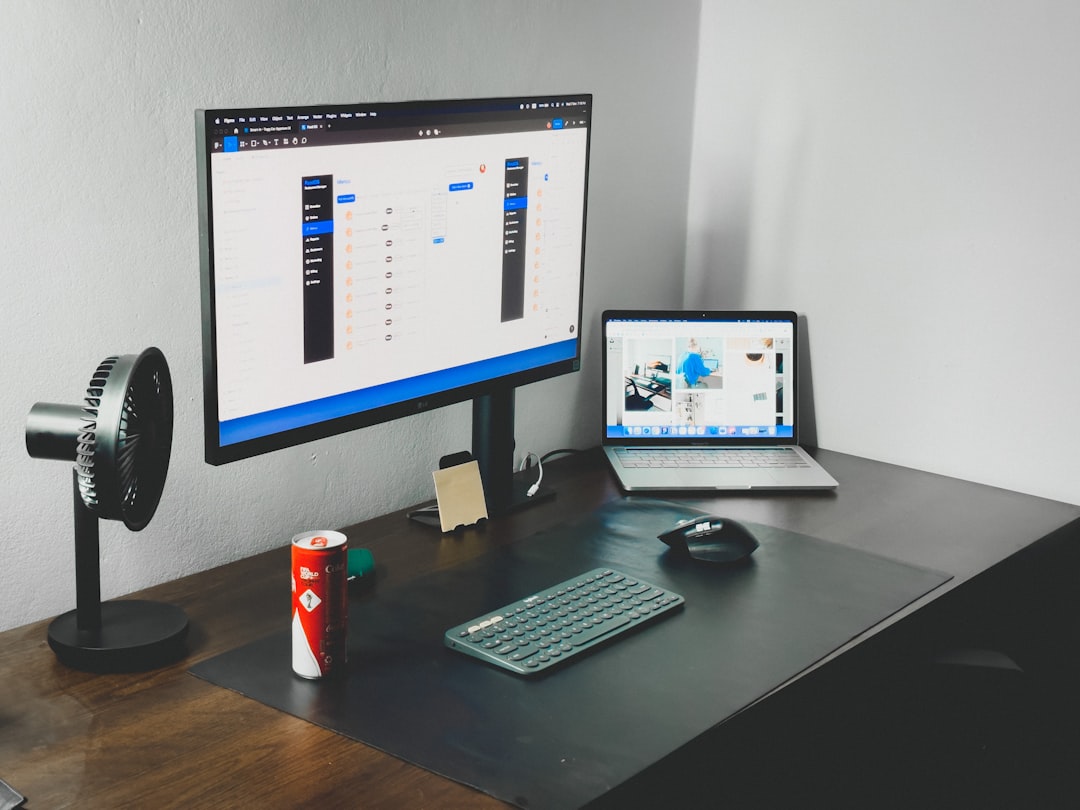
Can You Upgrade or Change the Operating System?
Yes, many mini computers allow users to:
- Upgrade from Windows 11 Home to Pro
- Install Linux alongside Windows (dual boot)
- Replace Windows entirely with Linux
- Perform a clean Windows installation
Barebones mini PCs are especially flexible, as users can install their preferred storage, RAM, and operating system from scratch.
Business vs. Personal Use Considerations
For Business Buyers
Businesses often require:
- Windows 11 Pro
- BitLocker encryption
- Remote Desktop capability
- Domain joining support
These features are typically not available in Windows 11 Home.
For Personal Users
Home users primarily need:
- Web browsing compatibility
- Streaming capability
- Office applications
- Video conferencing tools
For these purposes, Windows 11 Home is usually sufficient.
How to Check Before Buying
To ensure the mini PC includes Windows 11 and the software you need, buyers should:
- Read the full product description carefully
- Verify the edition (Home vs. Pro)
- Check if the license is activated
- Confirm hardware compatibility
- Look for warranty and support details
If purchasing online, it is wise to review customer feedback regarding activation and software experience.
Are Mini Computers Worth It With Windows 11?
For many users, the combination of a compact form factor and Windows 11 functionality makes mini PCs a strong alternative to traditional desktops. They offer:
- Energy efficiency
- Space-saving design
- Surprisingly capable performance
- Compatibility with standard Windows applications
However, buyers must ensure they understand exactly what software is included to avoid unexpected costs.
Conclusion
Mini computers often come with Windows 11 preinstalled, particularly when purchased from reputable brands. Budget models may include different operating systems or require separate activation. In addition to Windows, most mini PCs ship with essential drivers and basic utilities, but rarely include full productivity suites.
By carefully reviewing product listings and understanding operating system differences, users can select a mini PC that meets both their software and performance expectations. Whether intended for business, education, or home use, today’s mini computers offer flexible options that make them a compelling choice in the evolving desktop market.
Frequently Asked Questions (FAQ)
1. Do all mini computers come with Windows 11?
No. Many do, but some come with Windows 10, Linux, or no operating system. Always verify the product specifications before purchasing.
2. Is Windows 11 pre-activated on mini PCs?
In most cases, yes—if it is a legitimate OEM installation. The activation key is typically embedded in the motherboard.
3. Do mini PCs include Microsoft Office?
Usually not. Some may include trial versions, but a full license must often be purchased separately.
4. Can a mini PC run Windows 11 if it comes with Linux?
If the hardware meets Windows 11 requirements, users can install Windows separately by purchasing a license.
5. Are mini computers powerful enough for Windows 11?
Most modern mini PCs are fully capable of running Windows 11 smoothly, especially models with at least 8GB of RAM and SSD storage.
6. What is the difference between Windows 11 Home and Pro on a mini PC?
Windows 11 Pro includes advanced features such as BitLocker and Remote Desktop, making it better suited for business environments.
7. Can preinstalled software be removed?
Yes. Most extra applications, including trial software and utilities, can be uninstalled through the standard Windows settings menu.