The Garmin Venu 3 is a fantastic smartwatch. It has sleek looks, cool features, and can even track your naps (finally!). But what happens when it suddenly freezes or starts acting a bit weird? Don’t panic. Sometimes all it needs is a little restart to get back on track.
TLDR: Restarting the Garmin Venu 3
If your Venu 3 is being slow, unresponsive, or just plain stubborn, a restart can fix most issues. Hold the side button until the screen turns off, then press it again to turn it back on. If it’s totally frozen, you can force a restart. No tools or tech wizardry needed—just your finger and a little patience.
Why Restart at All?
Think of restarting your watch like giving it a little nap. It helps:
- Clear temporary bugs
- Flush out memory glitches
- Refresh apps and sensors
- Boost performance
So if your Venu 3 is slow or stuck, a restart might be all it needs to bounce back.
Quick Restart — The Easy Way
Let’s start with the basic method. This is the regular ol’ “turn-it-off-and-on-again” move. Do this when your watch is still responsive.
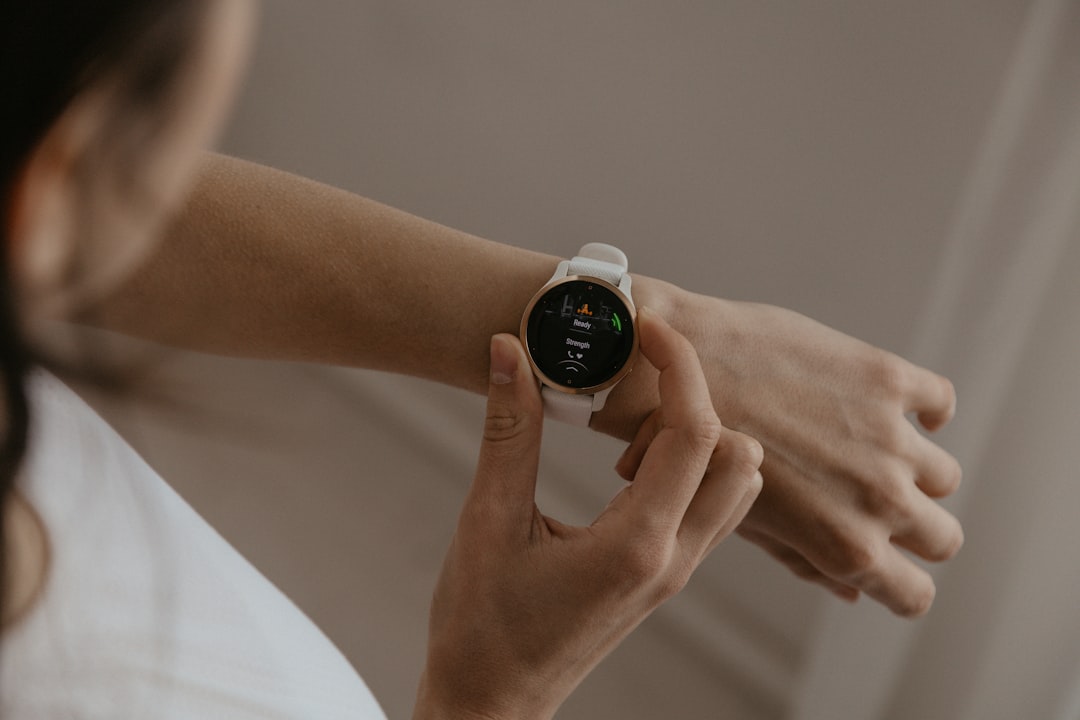
- Press and hold the side button for about 3-5 seconds.
- You’ll see a menu pop up on the screen.
- TAP Power Off on the screen.
- Your watch will shut down completely.
- Now press and hold the side button again until the Garmin logo appears.
That’s it! Your watch is back on and refreshed.
Force Restart — When Things Get Ugly
Sometimes the watch doesn’t respond at all. It’s just frozen. Blank screen. No touch. No beep. Time for a force restart.
Here’s what to do:
- Press and hold the side button for about 15 seconds.
- You won’t see anything immediately—keep holding!
- The screen will finally go black.
- Once it does, release the button.
- Now press the same button once more to power the watch back up.
This is the smartwatch version of CTRL+ALT+DEL. Super handy when things freeze solid!
What If It Still Doesn’t Work?
Very rare, but it can happen. If your Venu 3 won’t turn back on:
- Put it on the charger and wait a few minutes.
- Make sure the charging cable is securely connected.
- Try restarting again using the methods above while it’s on the charger.
Still stuck? It could be a hardware issue or a very grumpy software glitch. In that case, reach out to Garmin Support.
Preventing Future Freezes
You can avoid most issues by keeping your Garmin Venu 3 healthy. Here are some quick tips:
- Keep your watch software up to date.
- Restart the watch once a week just for maintenance—it loves that!
- Don’t overload the memory with too many apps or widgets you don’t use.
- Remove and reinstall buggy apps if they misbehave.
Bonus: Soft Reset vs. Hard Reset
It’s easy to get confused by the terms. So let’s break it down:
| Type of Restart | What It Does | When to Use |
|---|---|---|
| Soft Reset | Just like a reboot. Restarts your watch without erasing data. | Use when the watch is slow or glitchy. |
| Hard Reset | Factory reset. Erases everything and restores default settings. | Only for serious problems, or before selling your watch. |
The restarts in this guide are all soft resets. A full factory reset is a deeper process and should only be used when necessary!
Fun Tip: Make It a Habit
If you restart your Venu 3 once a week—say every Sunday morning—it helps it run smoother consistently. Make it part of your weekend routine while sipping that coffee or doing a quick stretch.
Schedule a little timeout for your wearable buddy, just like you do for yourself!
Signs It’s Time for a Restart
Still unsure when to restart? Here are some clues:
- Touchscreen is laggy or unresponsive
- Watch won’t sync with your phone
- Battery is draining much faster than usual
- You’re seeing weird error messages
- The time or data looks wrong (weird!)
When in doubt, a quick restart doesn’t hurt. Plus, it only takes a minute.
Wrap-Up: You Got This!
That’s it—simple, right? The Garmin Venu 3 is super smart, but even the smartest tech needs a reboot once in a while.
Remember:
- Responsive watch? Use the power menu.
- Frozen screen? Force restart with a long press.
- Still dead? Charge it, then restart.
Treat your Venu 3 like a tiny, sporty computer. Restarting it regularly keeps it happy and healthy.
Now you’re officially a Venu 3 Restart Master. Go forth and reboot with confidence!