Creating a strong visual identity for an event brand isn’t just about choosing a catchy name or throwing together a few flashy colors—it starts with a memorable, impactful logo. Whether you’re organizing a music festival, corporate conference, charity fundraiser, or wedding expo, a professionally designed logo can set the tone and elevate your marketing assets both digitally and in print. Thankfully, in today’s app-driven world, you don’t need to be a seasoned designer or invest in high-end software to craft an eye-catching logo. A host of powerful and user-friendly logo apps can help bring your event branding to life with minimal effort.
TL;DR
Looking to design stunning logos for your event brand? This article explores the top logo-making apps perfect for creating promotional assets for both digital and print media. Whether you need web-ready vectors or high-resolution files for banners and posters, these apps offer flexibility, ease-of-use, and rich customization features for all design levels. From beginners to experienced event planners, there’s a tool here to suit every creative vision.
Why Choosing the Right Logo App Matters
Your event logo is more than just an image—it’s the cornerstone of your brand identity. It gets printed on flyers, tickets, merchandise, digital banners, and maybe even a massive backdrop at the venue. So, you need tools that can deliver high-quality, scalable graphics with customization options fit for multiple platforms and formats.
Top Logo Creating Apps for Event Brands
1. Canva
Best for: Beginners and intermediate users looking for simplicity and versatility.
Canva has become a go-to app for organizing and designing promotional materials thanks to its powerful drag-and-drop interface and expansive template library. It now features a dedicated logo maker loaded with thousands of templates that you can customize with your own event name, colors, and icons.
- Mobile and web-based platform
- Great for quick layouts and social-share images
- Collaboration features for team projects
- Offers transparent PNG download for logos
Pro Tip: Combine logo creation with Canva’s other templates for a consistent branding style across posters, social ads, and invitation cards.
2. Adobe Express (formerly Adobe Spark)
Best for: Professionals and semi-pros who need high-quality design templates.
Adobe Express is a streamlined version of the creative giant’s design tools and is perfect for designing quick and sharp logos for event branding. It allows users to produce simple yet professional-grade logos using a sophisticated selection of fonts, color schemes, and icons.
- Integrated with Adobe Creative Cloud
- Excellent for high-res exports
- Templates specifically made for events and business branding
- Easy switching from logo to other graphic types
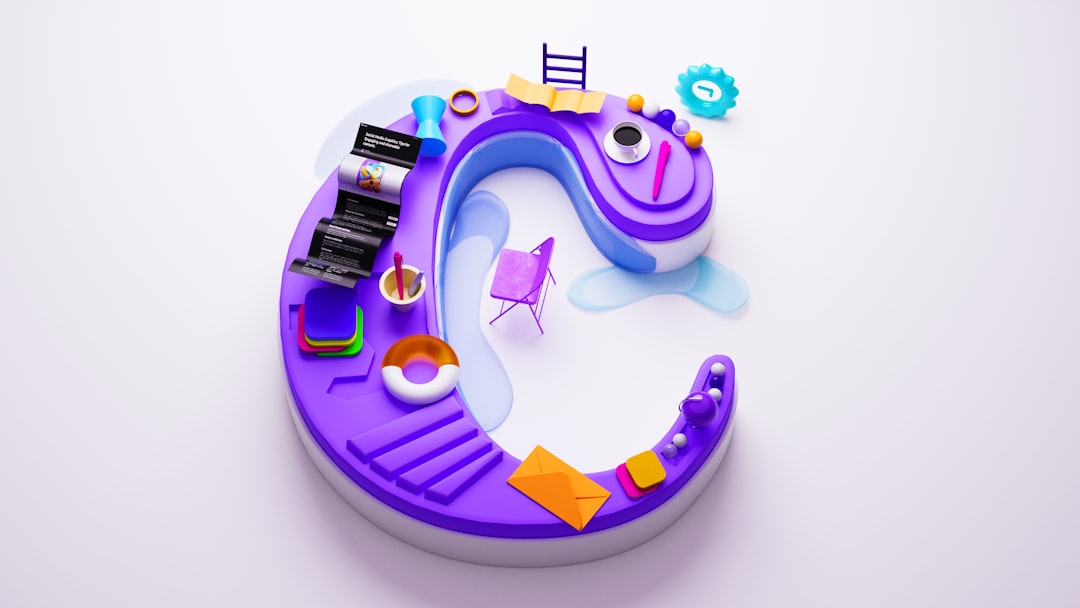
Whether you’re planning an elegant gala or a high-energy sports event, Adobe Express gets you a crisp, scalable logo ideal for both screens and stages.
3. Looka
Best for: Brand kits and comprehensive visual identity.
If you want more than just a logo and need an entire branding system, Looka might be your best pick. It uses AI to create logos based on your style preferences, and then helps you build out a full branding kit—including colors, typography, and business card designs, which can be essential for formal events like conferences or expos.
- AI-powered design suggestions
- Social media asset generator
- Offers print-ready materials
- Download logos in every needed format
Standout Feature: Once your logo is created, you can apply it instantly across various branded materials like email headers, brochures, and name tags.
4. LogoMaker by Tailor Brands
Best for: Entrepreneurs and event planners who want brand-focused results fast.
Tailor Brands’ logo creation tool is focused on delivering results that look both polished and adaptable. After a few questions about your event’s industry and vibe, it gives you several logo concepts to fine-tune and personalize.
- Simplified logo wizard interface
- Generates multiple branding assets instantly
- Ideal for digital and merchandise branding
It’s a great choice when you need fast and stylish branding for a pop-up event, new initiative, or last-minute client project.
5. Hatchful by Shopify
Best for: Free and fast logo ideas for small event planners and startups.
Created by Shopify, Hatchful is a surprisingly robust tool tailored for small businesses, which makes it ideal for event startups or one-off projects. The interface provides simple guidance on picking a style and niche, tailoring results that are surprisingly on-point for digital-first branding.
- Completely free to use
- Instant access to complete brand kits
- No design background required
Best suited for: pop-up events, digital-only gatherings, or tight-budget campaigns. Hatchful gives a polished look without breaking the bank.
Key Features to Look for in Logo-Making Apps
Choosing the best app depends not just on preference but your event’s needs. Here are essential features to consider:
- Vector Export: Critical for scaling logos without pixelation—especially for large-format prints like banners or backdrops.
- Font Library: Events often lean on typography to communicate tone; whether fun and quirky or elegant and elite.
- Color Palettes: Consistent brand colors across all media help with memorability and professionalism.
- Templates for Branded Designs: Logo is just the start—look for apps that let you port it into posters, invites, and social posts.
- Ease of Export: You want apps that let you export for both digital use (JPEG, PNG) and print (SVG, PDF).
Designing with Digital and Print in Mind
Once you have your logo, it’s important to think about how that identity will be interpreted across different media. Logos meant for social media might benefit from soft gradients or 3D effects, but print requires crisp lines and contrast.
Tips for preparing your logo for both mediums:
- Use vector files: These scale perfectly, maintaining sharp edges and color fidelity for print.
- Check color modes: Design in RGB for digital and CMYK for print to maintain color accuracy.
- Test contrast: Make sure text and images are legible across background colors and lighting environments.
Final Thoughts
Your event brand’s first impression isn’t made through a speech or a song—it’s made with its visuals. A compelling logo instantly communicates your mission, audience, and vibe. With the right tools, even a rookie designer can build a powerful mark that becomes the face of your event across digital promotions and tangible print materials.
From easy-drag tools like Canva to more comprehensive branding kits in Looka and Tailor Brands, the field has never been more accessible. Whether you’re putting together a local community fair, an international summit, or a themed wedding weekend, these logo design apps empower you to launch your brand identity with creative clarity and professional polish.
So, explore, experiment, and design boldly—your event deserves it!