Your computer feels slow. Files take forever to open. Games stutter. Programs freeze. You might think you need a new PC. But sometimes, all you need is a fast defrag tool. So, what is the quickest system defragger software? Let’s break it down in simple terms and have a little fun along the way.
TLDR: The quickest system defragger software depends on your PC and needs, but tools like Smart Defrag, Defraggler, and O&O Defrag are often the fastest. Smart Defrag is great for speed and automation. Defraggler gives you control and quick targeted defrags. O&O Defrag is powerful but more advanced. If you want fast and easy, Smart Defrag is usually the top pick for most users.
First, What Is Defragging?
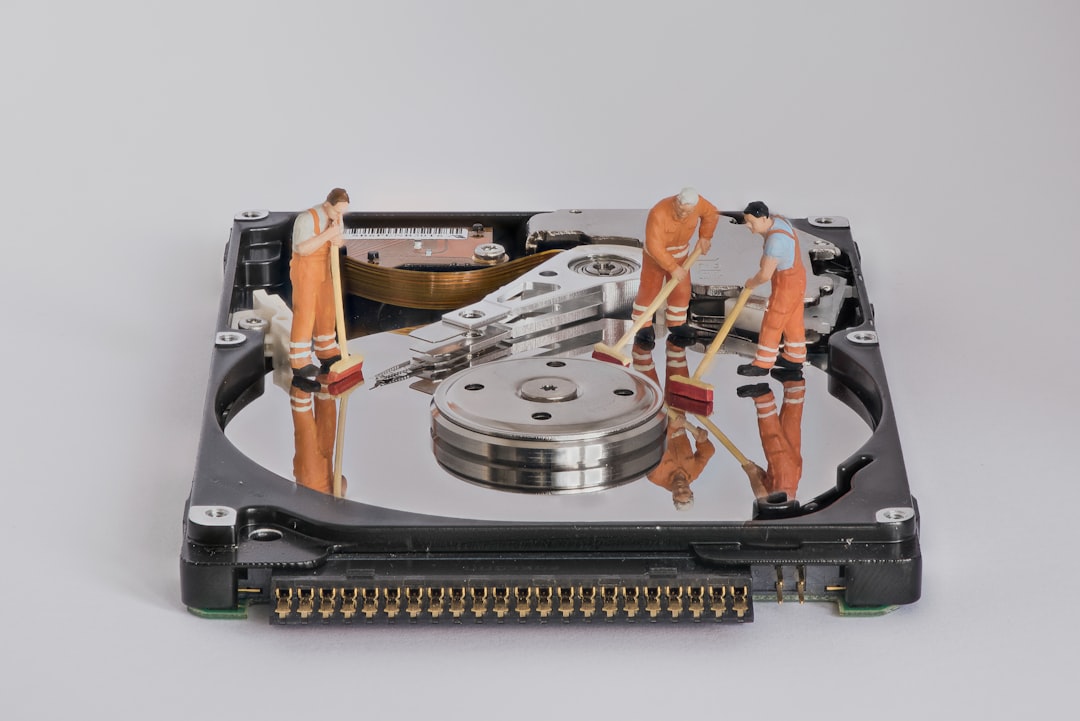
Imagine your hard drive is a bookshelf. Over time, you shove books anywhere they fit. One page here. Another page there. Soon, one book is spread all over the shelf.
That is what happens to files on a traditional HDD (Hard Disk Drive).
When files are scattered, your computer works harder. It looks in many places just to open one file. This slows things down.
Defragging puts all the pieces back together. It organizes the data. It makes everything neat again.
Important note: Do not defrag SSD drives. They work differently and do not need traditional defragging.
What Makes a Defrag Tool “Quick”?
Speed depends on several things. Not just the software.
- Drive size – Bigger drives take longer.
- Fragmentation level – Messier drives take more time.
- PC performance – Faster CPU and RAM help.
- Type of defrag – Quick defrag or full defrag.
The quickest system defragger usually offers:
- Fast scan speed
- Quick defrag option
- Boot-time defrag
- Background optimization
- Smart file placement
Now, let’s look at the top candidates.
Top Quickest Defragger Software
1. Smart Defrag (by IObit)
Smart Defrag is very popular. And for good reason.
It is designed for speed and automation. You install it. It runs quietly. It optimizes in the background.
Why it’s fast:
- Quick defrag mode
- Boot-time defrag
- Auto defrag when PC is idle
- Smart file placement for faster loading
It also focuses on gaming performance. That makes it fun for gamers.
Best for: Users who want “set it and forget it” speed.
2. Defraggler (by Piriform)
Defraggler is simple. Lightweight. Fast.
One cool feature? You can defrag a single file. Not just the whole drive.
That saves time.
Why it’s fast:
- Quick defrag option
- Defrag specific files or folders
- Lightweight installation
- Clear fragmentation map
It does not have as many fancy automation features. But it is quick and direct.
Best for: Users who want control.
3. O&O Defrag
This one is powerful. Very powerful.
It is designed for professional use. It uses advanced algorithms. It tries to place files in the best possible order.
Why it’s fast:
- Multiple optimization strategies
- Background defrag
- Zone filing technology
- High-performance engine
It may feel complex for beginners. But it delivers speed.
Best for: Advanced users and business systems.
4. Windows Built-in Defrag Tool
Yes. Windows already has one.
It is called Optimize Drives.
It is not flashy. But it works.
Pros:
- Free
- Pre-installed
- Automatic scheduling
Cons:
- Fewer customization options
- Not the fastest for heavy fragmentation
For light users, it is often enough.
Comparison Chart
| Software | Speed | Ease of Use | Advanced Features | Best For |
|---|---|---|---|---|
| Smart Defrag | Very Fast | Very Easy | Good | Most users, gamers |
| Defraggler | Fast | Easy | Moderate | File-level control |
| O&O Defrag | Very Fast | Moderate | Excellent | Power users |
| Windows Tool | Moderate | Very Easy | Basic | Casual users |
So, Which One Is the Quickest?
In most everyday tests, Smart Defrag often finishes quick defrags the fastest.
Why?
- It focuses on commonly used files first.
- It skips unnecessary steps during quick mode.
- It runs efficiently in the background.
If you want pure speed with little effort, Smart Defrag usually wins.
If you want file-by-file control, Defraggler can be faster for small jobs.
If you want deep optimization, O&O Defrag delivers serious performance gains.
Quick Defrag vs Full Defrag
There is a difference.
Quick Defrag:
- Targets only fragmented files
- Skips large unfragmented areas
- Finishes faster
Full Defrag:
- Reorganizes all data
- Optimizes free space
- Takes longer
If you want the quickest result, choose quick defrag.
If your system is very messy, do a full defrag once.
Does Defragging Really Make Things Faster?
Yes. But only on HDD drives.
You may notice:
- Faster startup time
- Quicker file opening
- Smoother gaming
- Less freezing
The improvement depends on how fragmented your drive was.
If fragmentation was low, the change will be small.
How Often Should You Defrag?
Not every day.
For most users:
- Once a month is enough.
- Heavy users can do it every two weeks.
- Gamers may prefer scheduled background defrag.
Many modern tools auto-schedule. That makes life easier.
Tips to Defrag Faster
Want maximum speed? Follow these simple tips.
- Close all programs before starting.
- Run defrag when PC is idle.
- Free up disk space first.
- Uninstall unused programs.
- Use quick defrag mode when possible.
Less clutter means faster defrag.
Is Free Software Good Enough?
For most people, yes.
Free versions of Smart Defrag and Defraggler are fast and effective.
Paid versions offer:
- Advanced optimization
- Better automation
- Technical support
- Boot-time improvements
If you run a business or large data systems, paid tools may be worth it.
What About SSD Drives?
This is important.
Do not traditionally defrag SSDs.
SSDs use flash memory. They access data instantly. Fragmentation does not slow them down the same way.
Windows automatically performs “TRIM” optimization instead. That is safe.
If you have an SSD, your focus should be cleanup. Not defrag.
Final Verdict
If someone asks, “What is the quickest system defragger software?”
The simple answer is:
Smart Defrag is the fastest and easiest option for most users.
It balances speed, automation, and simplicity.
Defraggler is great for quick targeted jobs. O&O Defrag is powerful for experts. The Windows built-in tool works fine for basic needs.
Your best choice depends on:
- Your drive type (HDD only)
- Your experience level
- Your need for speed
- Your desire for control
But if you want a quick win with almost no effort, Smart Defrag is often the champion.
Now go check your drive. It might just need a little cleanup. And your “slow” computer might feel fast again.