For many PC enthusiasts, NZXT CAM is an essential piece of software. It controls RGB lighting, monitors system temperatures, customizes fan curves, and manages NZXT hardware like Kraken coolers and H-series cases. But for Mac users who purchase NZXT accessories or build hybrid workstations, there’s an immediate and frustrating discovery: NZXT CAM cannot be downloaded for macOS. Why is that? The answer involves operating systems, hardware ecosystems, market demand, and deeper architectural differences between PCs and Macs.
TLDR: NZXT CAM is not available on Mac because it is built specifically for Windows-based PC hardware and relies on system-level access that macOS doesn’t easily allow. NZXT hardware is primarily designed for custom Windows PCs, not Apple systems. macOS restrictions, Apple’s closed ecosystem, and limited demand make Mac support impractical for NZXT. As a result, there is currently no official Mac-compatible version of CAM.
What Is NZXT CAM and What Does It Do?
Before understanding why it’s unavailable on Mac, it helps to understand what NZXT CAM actually does. CAM is more than a simple monitoring app. It acts as a full control hub for NZXT ecosystem products, including:
- Kraken AIO liquid coolers
- RGB lighting controllers
- Smart device fan hubs
- H-series cases with built-in controllers
- Power supply monitoring (select models)
The software allows users to:
- Monitor CPU and GPU temperatures in real time
- Adjust fan speeds using custom curves
- Control RGB lighting effects
- Track system performance metrics
- Display system stats on compatible AIO screens
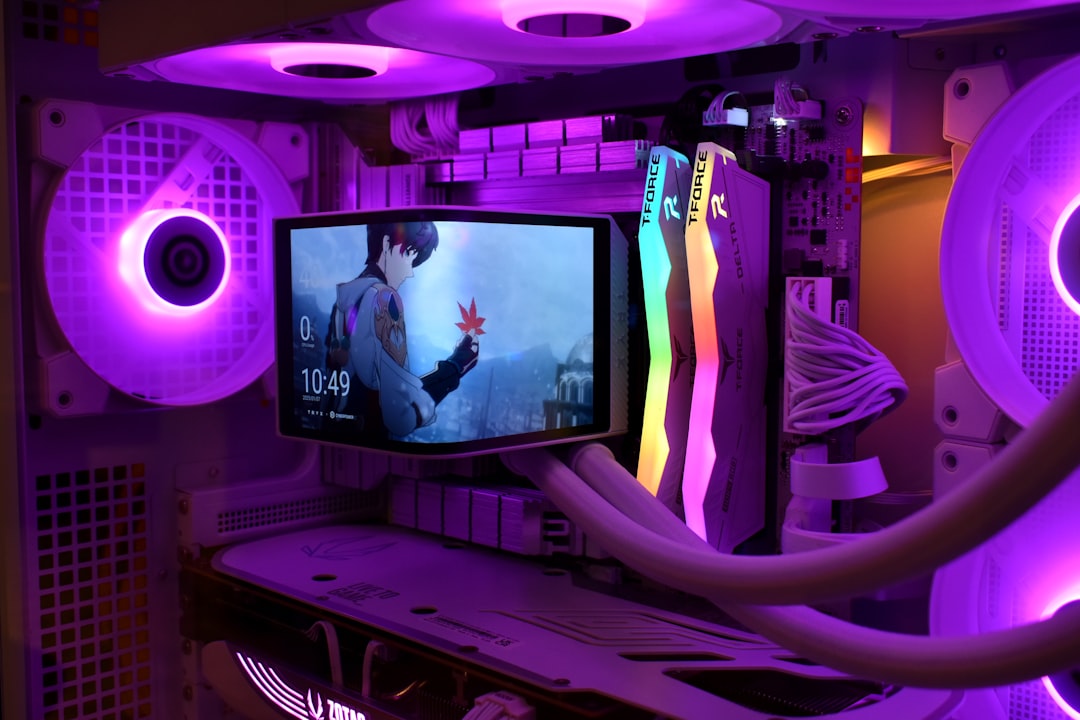
All of this requires deep communication with hardware components at the system level — something that becomes complicated outside Windows.
Reason #1: NZXT Is Focused on Windows-Based PC Builds
The most straightforward reason CAM isn’t available on Mac is that NZXT targets the custom PC building market. That market overwhelmingly runs on Microsoft Windows.
Custom-built PCs typically use:
- Motherboards from ASUS, MSI, Gigabyte, ASRock
- Windows OS platforms
- NVIDIA or AMD discrete GPUs
- Open BIOS-level configuration systems
Mac computers, by contrast, are:
- Prebuilt systems
- Restricted in hardware customization
- Designed around Apple-certified components
- Integrated tightly with macOS
Because NZXT hardware is designed primarily for customizable PC towers, there is very little overlap with modern Mac devices.
Reason #2: macOS Has Strict System-Level Restrictions
Software like CAM needs low-level access to hardware. It reads internal temperature sensors, adjusts voltages, and communicates directly with USB controllers embedded inside cases and cooling units.
macOS is significantly more restrictive in this area than Windows. Apple prioritizes:
- System security
- Driver control
- Sandboxed applications
- Limited third-party kernel extensions
In Windows, hardware manufacturers can develop drivers that communicate freely with the OS and motherboard components. In macOS, every extension must comply with Apple’s strict frameworks, and kernel-level customization has been reduced significantly in recent versions.
For NZXT to release CAM on Mac, they would need:
- Apple-approved drivers
- Compatibility across Intel and Apple Silicon chips
- Continuous macOS version support
- New development architecture from scratch
From a business perspective, that investment may not justify the small number of Mac users who would benefit.
Reason #3: Apple Silicon Complicates Things Further
The transition from Intel processors to Apple Silicon (M1, M2, M3 chips) dramatically changes the software landscape.
Historically, Intel-based Macs could run Windows through Boot Camp. This allowed users to install Windows natively and use Windows-only programs — including hardware utilities.
However:
- Boot Camp is not available on Apple Silicon Macs.
- ARM-based architecture differs from traditional x86 systems.
- Virtual machines have limited hardware communication capabilities.
Even if a Mac user installs Windows via virtualization software like Parallels, the ability to control internal PC hardware from CAM is essentially nonexistent — because Macs don’t use standard PC motherboards.
In short, the hardware-level communication CAM depends on is incompatible with Apple’s vertically integrated system.
Reason #4: Macs Don’t Typically Use NZXT Internal Components
This is perhaps the most important technical point: Most Macs simply don’t use NZXT-compatible hardware internally.
Modern Macs:
- Have sealed enclosures
- Use proprietary cooling systems
- Do not support aftermarket AIO coolers
- Don’t include customizable RGB ecosystems
Even high-end Mac Studio or Mac Pro systems use Apple-controlled thermal and power systems. Installing an NZXT Kraken cooler inside a MacBook or iMac is not feasible.
If there is no compatible hardware inside the machine, there is little purpose in developing companion software.
Reason #5: Market Demand Is Likely Low
Software development requires ongoing maintenance, testing, and support. If only a tiny percentage of users would download CAM on macOS, the business case weakens considerably.
Consider the overlap:
- Mac users
- Who own external NZXT RGB accessories
- That require active software control
- And expect Mac-native integration
That subset is relatively small compared to the Windows PC gaming market.
Can You Use NZXT Hardware With a Mac in Any Way?
In limited scenarios, yes — but with restrictions.
Here’s what typically applies:
- Basic cooling functionality: Works automatically without CAM (default profiles).
- RGB lighting: May default to preset modes but won’t be customizable.
- Advanced customization: Not accessible without Windows CAM software.
Some users attempt workarounds, but most fall short of full functionality.
Common Workarounds (and Their Limitations)
If you search online, you’ll find a few frequently suggested alternatives. Here’s how they compare:
| Method | Works on Apple Silicon? | Full CAM Features? | Practical? |
|---|---|---|---|
| Boot Camp (Intel Macs only) | No (Intel only) | Yes | Limited to older Macs |
| Parallels Virtual Machine | Yes | No (limited hardware access) | Rarely effective |
| Borrow Windows PC for setup | Yes | Temporary configuration | Possible but inconvenient |
| Third-party RGB tools | Sometimes | Very limited compatibility | Unreliable |
Unfortunately, none of these provide a seamless Mac-native experience.
Why Doesn’t NZXT Just Make a Mac Version?
At first glance, it sounds simple: port the app to macOS. But in reality, it would likely require:
- Rewriting low-level hardware drivers
- Certification through Apple’s developer ecosystem
- Maintaining support across macOS updates
- Engineering compatibility for both Intel and ARM Macs
- Handling increased customer support demands
For a company whose primary customer base builds Windows gaming PCs, that expansion may not provide strong return on investment.
Will CAM Ever Launch on macOS?
There’s no official announcement suggesting a macOS version is in development. However, future changes could shift the situation if:
- Apple opens deeper system APIs for hardware control
- NZXT expands into Mac-compatible accessories
- External RGB ecosystems gain popularity among Mac users
Still, given Apple’s continued focus on ecosystem control and vertical integration, a fully functional CAM version for macOS remains unlikely in the near future.
The Bigger Picture: Two Different Philosophies
Ultimately, the reason CAM isn’t available on Mac highlights something larger — the philosophical divide between PC and Mac ecosystems.
Windows PCs:
- Modular
- Hardware-customizable
- Driver-flexible
- Gaming-focused
Mac systems:
- Integrated
- Closed hardware design
- Limited third-party system modification
- Optimized for stability and efficiency
CAM thrives in an environment where users swap GPUs, customize RGB loops, tweak fan curves, and overclock processors. macOS prioritizes seamless user experience over low-level system manipulation.
Final Thoughts
NZXT CAM cannot be downloaded on Mac because it was never designed for Apple’s hardware ecosystem. The combination of system restrictions, limited compatible hardware, reduced market demand, and Apple Silicon architecture makes a macOS version impractical.
For Mac users who admire NZXT’s sleek hardware design, the best approach is understanding its Windows-centric focus before purchasing ecosystem-dependent accessories. If full lighting and cooling control is important, a Windows-based custom PC remains the intended platform.
While it may be disappointing for macOS users, the absence of CAM isn’t an oversight — it’s the outcome of two fundamentally different computing worlds built around different priorities.